
Account Setup
Initial Setup: Make Your Account Live
Before you dive into the integration, we recommend starting your account verification process:
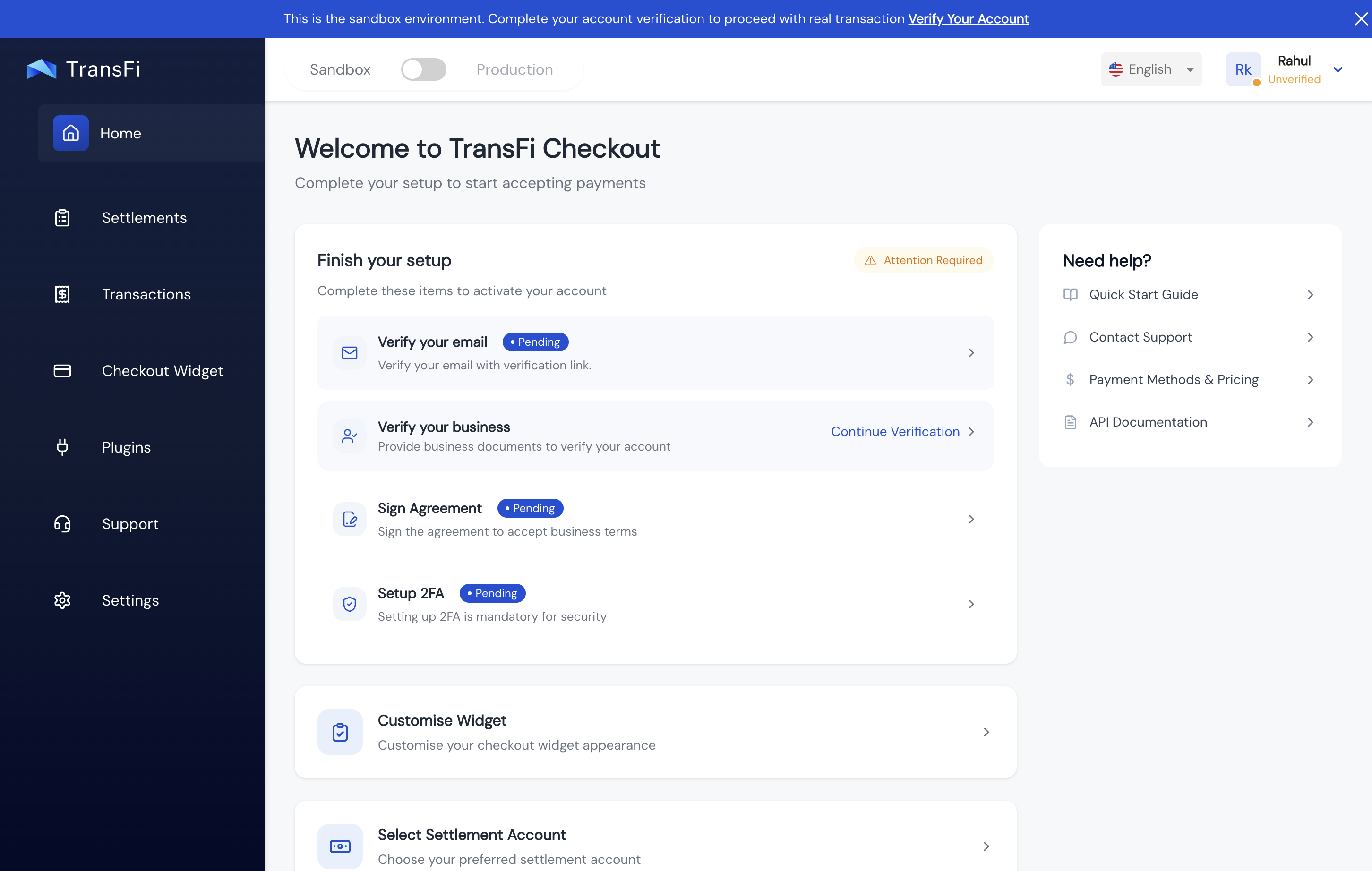
- Verify your email: Click the verification link you received in your email inbox.
- Complete KYB: Click on the business verification section in your dashboard, and fill in the required business details.
- Approval: Your account will typically go live within 24 hours of submitting your KYB documents.
- Secure your account: Please make sure to set up 2FA (Two-Factor Authentication) to secure your account. This is mandatory to access your API Secret Key in the Production environment.
Updated 5 months ago
Did this page help you?